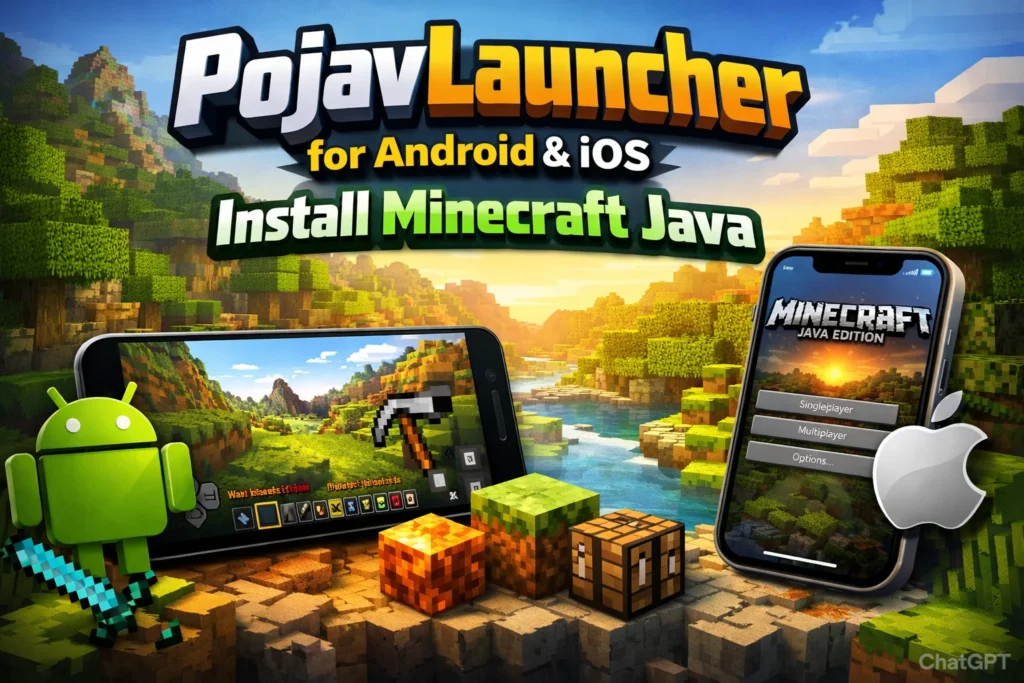
PojavLauncher has become one of the most talked-about tools in the mobile gaming community, especially among players who want the full Minecraft Java experience on their phones. In simple terms, PojavLauncher for Android and iOS allows you to run the desktop version of Minecraft on mobile devices, something that is not officially supported by Mojang or Microsoft. For many players, this is the only realistic way to enjoy Java-only features like advanced mods, custom servers, and older versions of the game without owning a PC.
This topic matters because mobile gaming is no longer just casual entertainment. A growing number of players want serious, PC-level control and customization on handheld devices. This guide is written for beginners who want to learn how to install PojavLauncher, as well as experienced players searching for a reliable PojavLauncher Minecraft mobile setup that balances performance, safety, and long-term usability.
What Is PojavLauncher and Why It Matters for Mobile Minecraft Players
PojavLauncher is an open-source launcher designed to run Minecraft Java Edition on mobile operating systems. Unlike the official Bedrock Edition available on app stores, Java Edition offers deeper customization, stronger modding communities, and access to thousands of private servers. PojavLauncher acts as a bridge, emulating the necessary environment so that Java-based game files can function on Android and iOS devices.
What makes this significant is not just technical achievement, but player freedom. Mobile gamers are no longer limited to simplified versions of popular titles. With PojavLauncher, a phone or tablet becomes a lightweight gaming computer capable of running the same worlds, maps, and mods as a desktop setup. This changes how players think about mobile gaming, shifting it from “casual only” to “full-featured gaming on the go.”
“PojavLauncher doesn’t replace Minecraft Bedrock it expands what mobile gaming is capable of.”
The importance also lies in accessibility. Many players around the world cannot afford gaming PCs, but they do own smartphones. PojavLauncher democratizes access to Java Edition by lowering the hardware barrier. While performance may vary, the opportunity itself is powerful: a global community can now participate in the same ecosystem regardless of device type.
Key Features That Make PojavLauncher Stand Out
PojavLauncher’s strongest appeal lies in how closely it mirrors the official PC launcher. Users can log in with their Microsoft account, download different Minecraft versions, and manage game files from within the app. This creates a familiar experience for PC players while still being optimized for mobile touch controls and limited hardware resources.
Cross-Platform Java Edition Access
One of the most important features is full version support. Players can run anything from legacy builds like 1.7 to modern releases like 1.20+. This means old modpacks, speedrunning versions, and experimental snapshots are all available on mobile, something no official app offers.
Mod Support and Customization Options
PojavLauncher supports popular mod loaders such as Forge and Fabric. This allows players to install shaders, performance mods, UI changes, and even complete gameplay overhauls. For serious players, this is the core reason to use the launcher at all.
“If Bedrock is about convenience, Java with PojavLauncher is about control.”
Multiplayer Compatibility and Server Access
Players can join almost any Java server, including private communities and major networks. This enables real multiplayer experiences identical to desktop gameplay, making mobile users first-class participants instead of restricted guests.
Step-by-Step Installation Guide for Android
Installing PojavLauncher on Android is relatively straightforward because Android allows third-party applications. Users typically download the official APK from trusted sources like GitHub or community mirrors. Once installed, the app functions much like a normal game launcher, guiding users through login and version selection.
The main requirement is a legitimate Minecraft Java account. Without it, the launcher cannot authenticate or download official game files. This ensures legal compliance while also maintaining access to updates and multiplayer servers.
“Never download cracked builds they are the fastest way to lose both your account and your data.”
Performance on Android depends heavily on hardware. High-end devices can run modern versions smoothly, while older phones may require reduced render distance and performance mods. Understanding these limits is essential for a stable experience.
Step-by-Step Installation Guide for iOS and Side-Loading Challenges
iOS installation is far more complex due to Apple’s restrictions. PojavLauncher cannot be distributed through the App Store, so users must rely on sideloading tools such as TrollStore or AltStore. These tools allow unsigned apps to run, but they require technical knowledge and ongoing maintenance.
Another challenge is JIT (Just-In-Time compilation). Without JIT, performance is severely limited, making newer Minecraft versions almost unplayable. Some iOS versions support permanent JIT, while others require re-enabling it each session.
“On iOS, PojavLauncher is less about installation and more about system compatibility.”
This makes iOS support fragile and inconsistent. While it works, it is best suited for advanced users who understand system limitations and accept occasional instability.
Performance Optimization Tips for Mobile Devices
Running a desktop game on mobile hardware requires careful tuning. The most important settings include render distance, graphics quality, and background processes. Reducing unnecessary visual effects can dramatically improve frame rates.
Installing performance mods like Sodium or OptiFine is highly recommended. These tools optimize rendering pipelines and memory usage, making gameplay smoother without sacrificing core features.
“Optimization isn’t cheating it’s respecting the limits of your device.”
Thermal management also matters. Long sessions can cause overheating, leading to throttling and crashes. Playing in short sessions and keeping devices cool can extend both performance and hardware lifespan.
Security, Legality, and Account Requirements
PojavLauncher itself is legal, but only when used with a legitimate Minecraft account. It does not include pirated game files, and it relies on official authentication systems. This keeps it compliant with Mojang’s terms.
Security risks come from unofficial builds and mod sources. Malicious APKs can steal login credentials or inject spyware. Always download from verified repositories and avoid unknown mod websites.
“Your biggest risk isn’t PojavLauncher it’s where you download it from.”
Using strong passwords and two-factor authentication is strongly advised, especially for accounts linked to paid services.
Common Issues and Troubleshooting PojavLauncher
Most problems arise from hardware limitations, missing dependencies, or incorrect mod installations. Crashes are often caused by incompatible Java versions or outdated mods.
Another frequent issue is control configuration. Touch layouts require manual adjustment to feel comfortable. Users should experiment with sensitivity and button placement to avoid frustration.
“If it crashes, don’t blame the launcher blame the configuration.”
Community forums and Discord servers are valuable resources for resolving rare bugs.
Alternatives and Successor Launchers to Consider
As PojavLauncher evolves, several forks and alternatives have emerged. Some focus on performance, while others prioritize stability or iOS support. However, most are built on the same core technology.
The main difference lies in community support and update frequency. A launcher with active development is always preferable, even if features are similar.
“In open-source projects, community matters more than branding.”
Choosing a launcher should depend on device type, technical comfort, and long-term reliability.
Frequently Askes Questions
What is PojavLauncher?
PojavLauncher is an open-source launcher that allows players to run Minecraft Java Edition on mobile devices, including Android and iOS. Unlike the official Bedrock Edition, it provides access to mods, custom servers, and multiple Minecraft versions. It essentially emulates the Java environment so the desktop experience can be replicated on a phone or tablet.
How do I install PojavLauncher on Android?
To install PojavLauncher on Android, download the official APK from trusted sources such as GitHub or the PojavLauncher website. Enable “Install Unknown Apps” in your device’s settings, open the APK, and follow the installation prompts. Once installed, log in with a valid Minecraft Java account and select your desired game version to start playing.
Can I install PojavLauncher on iOS?
Yes, but installing PojavLauncher on iOS is more complex due to Apple’s restrictions. You need a sideloading tool like TrollStore or AltStore. Additionally, enabling JIT (Just-In-Time compilation) may be necessary for optimal performance. iOS installation is recommended only for advanced users familiar with side-loading and device configuration.
Do I need a paid Minecraft account to use PojavLauncher?
Yes. PojavLauncher requires a legitimate Minecraft Java Edition account to authenticate and download official game files. Using pirated accounts or cracked versions is not supported and can pose security risks.
Can I play multiplayer Minecraft servers with PojavLauncher?
Absolutely. PojavLauncher supports multiplayer on most Java Edition servers, including private communities, public servers, and LAN networks. Players can enjoy full server functionality, including mods and custom worlds, similar to desktop players.
What mods are compatible with PojavLauncher?
PojavLauncher supports major mod loaders such as Forge and Fabric. This allows you to install performance mods like OptiFine, graphical shaders, UI enhancements, and full modpacks. Compatibility depends on the Minecraft version and hardware performance.
How can I optimize PojavLauncher for mobile performance?
To optimize performance, reduce render distance, adjust graphics settings, and close background apps. Installing performance mods and monitoring device temperature can also improve frame rates and prevent crashes. High-end devices will naturally run smoother than older or low-spec devices.
Is PojavLauncher safe and legal?
Yes, as long as you use it with a legitimate Minecraft account and download the launcher from trusted sources. PojavLauncher itself does not include pirated game files, but downloading from unofficial websites can expose your device to malware or account theft.
What should I do if PojavLauncher crashes or fails to start?
Common fixes include updating your device’s Java runtime, ensuring mods are compatible, adjusting graphics settings, and verifying that your Minecraft account is properly authenticated. Community forums and Discord channels are valuable for troubleshooting rare issues.
Conclusion
PojavLauncher represents a major shift in how players experience Minecraft on mobile devices. Instead of being locked into simplified versions, users now have access to the same tools, servers, and mods as PC players. For anyone serious about mobile gaming, PojavLauncher for Android and iOS offers a level of freedom that was previously impossible.
If your goal is to understand how to install PojavLauncher and use it effectively, the most important steps are choosing trusted sources, optimizing performance settings, and respecting system limitations. With the right setup, PojavLauncher Minecraft mobile can deliver a surprisingly powerful and flexible gaming experience, proving that mobile devices are no longer second-class platforms in the gaming world.